
How to install Anaconda in windows:
- Go to this site https://www.anaconda.com/
- Click on products, click on Individual edition as shown below.

- Below page will load in browser https://www.anaconda.com/products/individual
- Click on Download as highlighted.

- To check the operating version in your system. Go to Control Panel\System and Security\System – System type.
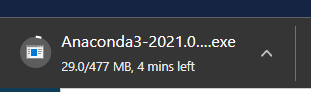
- .exe file starts to download as shown below. Relax for some time till its download .
- Once it is downloaded, double click on it.
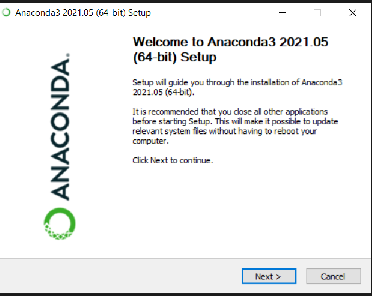
- Just accept it all default terms and install it. After installing it will look like below.
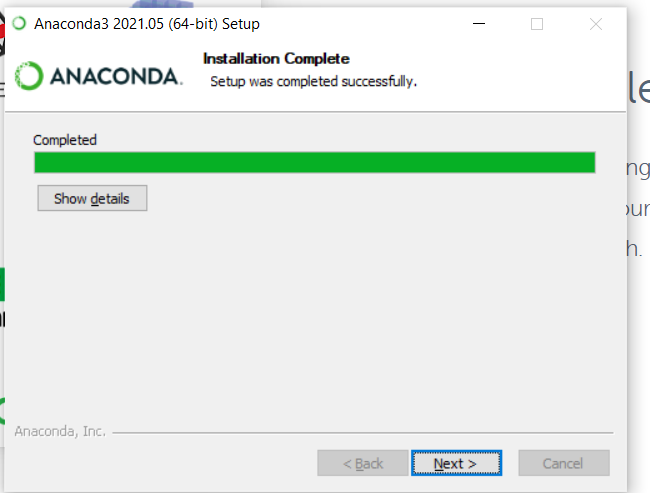
- Select next twice and in final step just uncheck it and click confirm.
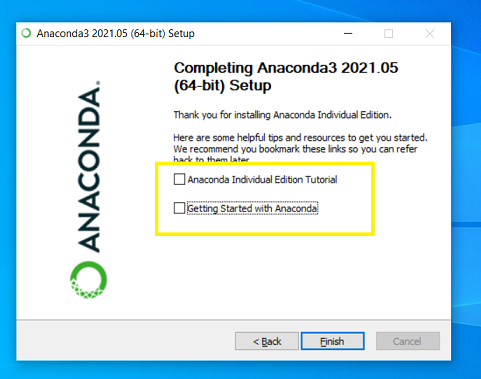
- Installation of anaconda is done.
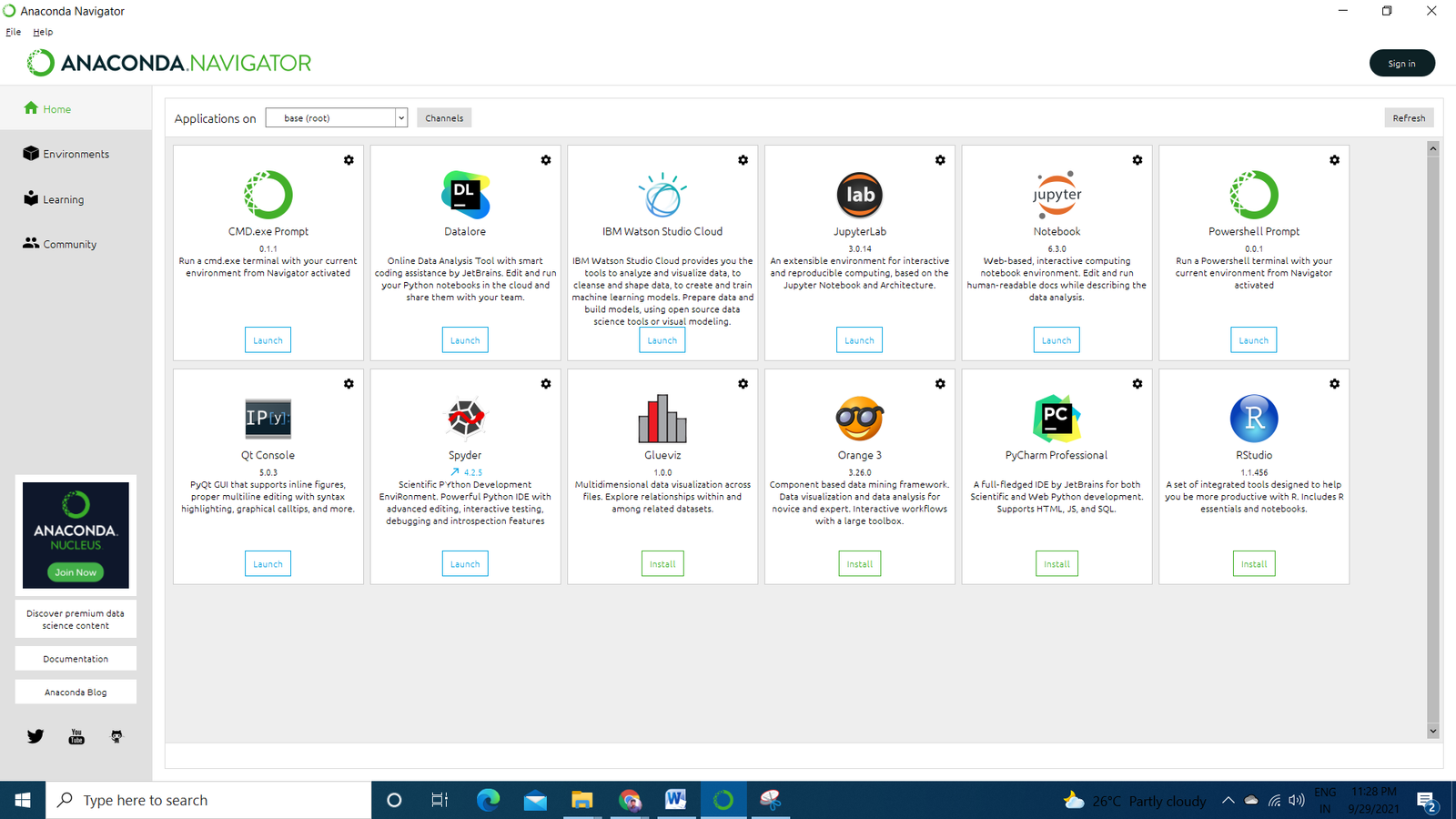
- From here you can launch any IDE’s available in this platform.
- The most favorite IDE is jupyter notebook and it is preferred by most of data scientists across the globe.
HAPPY LEARNING!